








Auto Clicker Mouse
Original price was: ₹3,250.00.₹1,999.00Current price is: ₹1,999.00.
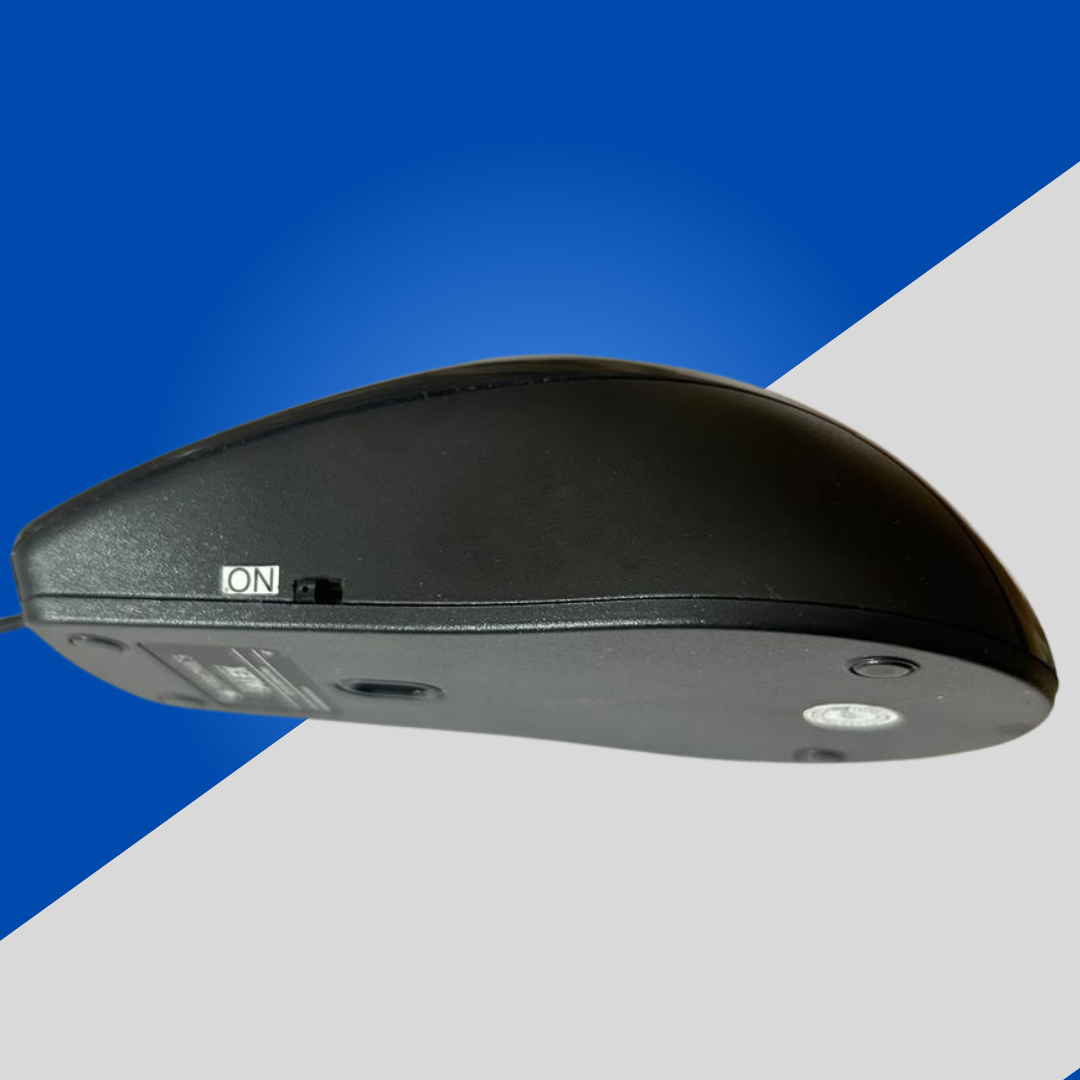
This is an auto clicking mouse and can click without making any sound Mouse does not require any software to work and the click speed can be customized.
👨💻 Tired of clicking just to keep your laptop awake?
📉 Productivity drops.
⌛ Time gets wasted.
😖 Frustration builds.
This is an auto clicking mouse and can click without making any sound Mouse does not require any software to work and the click speed can be customized.
👨💻 Tired of clicking just to keep your laptop awake?
📉 Productivity drops. ⌛ Time gets wasted. 😖 Frustration builds.
🎯 Here’s your simple fix:
🔥 Auto Clicker Mouse – the ultimate hack for corporate employees!
✅ No more random screen locks
✅ Stay “active” on your system effortlessly 😉
✅ Plug & play – zero setup required
Buy Now ~ https://themithilamart.in/product/auto-clicker-mouse/
Contact us- https://themithilamart.in/contact-us/
An auto clicker is a software or hardware tool that automates mouse clicks. It can simulate left, right, or middle mouse button clicks at a user-defined rate and location. Here’s a breakdown of the benefits of using an auto clicker for mouse input:
✅ Benefits of an Auto Clicker for Mouse Use
1. Increased Efficiency
-
Speeds up repetitive clicking tasks (e.g., in data entry, testing applications, or online games).
-
Reduces time spent on monotonous manual actions.
2. Improved Gaming Performance
-
Helps in idle or clicker games where frequent clicking is needed (e.g., Cookie Clicker, Roblox).
-
Useful for grinding or farming resources in certain games.
3. Reduced Physical Strain
-
Minimizes repetitive strain injuries (RSI) or fatigue caused by continuous clicking.
-
Particularly beneficial for users with mobility or joint issues.
4. Automation in Testing
-
Automates UI/UX testing where mouse input is part of the process.
-
Useful in software QA to simulate human interaction with the interface.
5. Boosts Productivity
-
Increases multitasking potential; users can automate simple clicks while focusing on other tasks.
-
Used in spreadsheet tasks, form submissions, and online navigation.
⚠️ Cautions
-
May violate terms of service in games or applications (can lead to bans).
-
Overuse can make tasks feel less interactive or engaging.
-
Not a substitute for smart automation or scripting in complex workflows.
🔍 Expanded Benefits of Auto Clickers
🖱️ 1. Customizable Control
-
Click Interval Control: Set clicks per second (CPS), delays between clicks, or random intervals to mimic human behavior.
-
Hotkey Activation: Start/stop clicking instantly via keyboard shortcuts.
-
Target Location Control: Choose static coordinates or dynamic clicking around the cursor.
Example: A gamer can assign a hotkey to auto-click at 10 CPS in a crafting interface without needing to hold the mouse button.
📊 2. Productivity in Repetitive Workflows
-
Auto clickers can automate web page interactions like voting, refreshing, or claiming bonuses.
-
Can be used in industrial or administrative software where repetitive UI actions are common.
Example: In data labeling or quality inspection software, clicking hundreds of checkboxes manually can be automated.
🎮 3. Gaming-Specific Advantages
-
Idle/Clicker Games: Automates grinding (e.g., auto-harvesting or gold farming).
-
FPS/RTS Games: Rapid fire or fast resource collection where allowed.
Example: In Roblox or Minecraft auto-farming scripts, a clicker helps automate harvesting or crafting.
♿ 4. Accessibility & Health
-
Helps people with disabilities or pain conditions (e.g., arthritis, carpal tunnel) to use a mouse more comfortably.
-
Reduces mouse wear and tear for users who do high-frequency tasks.
🔬 5. Software Testing & Development
-
Automated testing of GUI elements, buttons, and input fields without writing complex scripts.
-
Simulates real user interactions in performance or load testing.
Example: QA engineers simulate rapid clicking to test how responsive or stable a button is under stress.
🧠 6. Learning and Bot Development
-
Auto clickers are often used in combination with scripting tools like AutoHotKey (AHK) or Python for more advanced bots.
-
Helps beginners understand automation logic and event-based input programming.